
by vsjawahar@gmail.com | Oct 15, 2026 | Network Troubleshooting
BLOG ARTICLE • 15 OCTOBER 2026 • 8–10 MINUTES Imagine your employees arrive at the office and discover that shared files are taking too long to open. Business applications respond slowly, video meetings keep disconnecting, or employees cannot access an internal...

by vsjawahar@gmail.com | Oct 12, 2026 | Network Troubleshooting
BLOG ARTICLE • 12 OCTOBER 2026 • SUGGESTED READING TIME: 8–10 MINUTES A business can back up its data every day and still struggle to recover after an incident. Imagine that your office server stops working on Monday morning. Your team cannot access shared files,...
by vsjawahar@gmail.com | Oct 9, 2026 | Network Troubleshooting
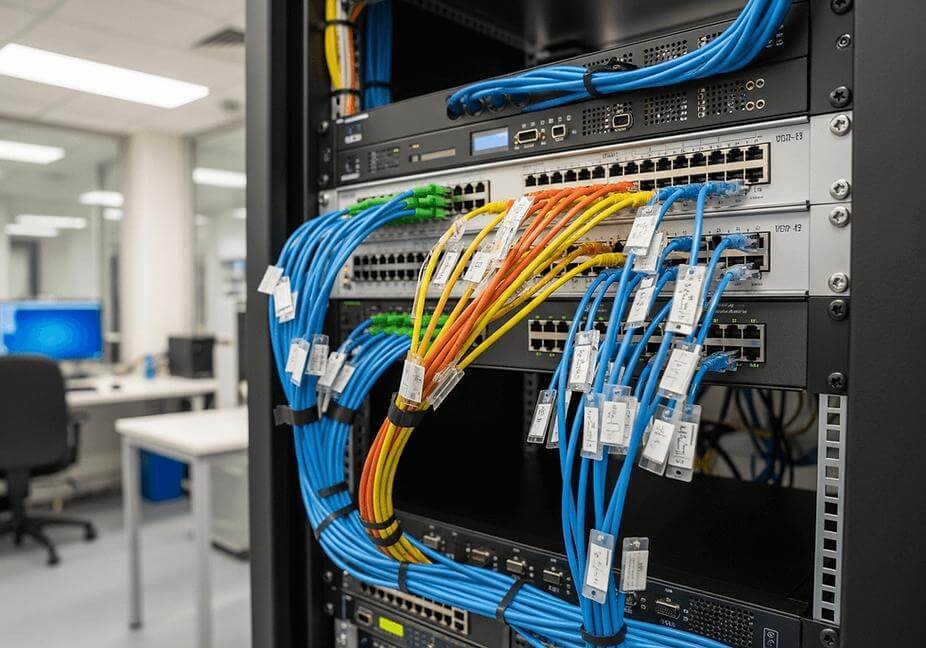
BLOG ARTICLE • 9 OCTOBER 2026 • SUGGESTED READING TIME: 7–9 MINUTES A branch office has two internet connections. One comes from the primary internet service provider (ISP). The other acts as a backup. It sounds reliable. But when the main connection fails, employees...

by vsjawahar@gmail.com | Oct 8, 2026 | Network Troubleshooting
BLOG ARTICLE • 8 OCTOBER 2026 • SUGGESTED READING TIME: 6–7 MINUTES Teams and Zoom calls can freeze even when your internet is fast. Websites load, emails work, and speed tests look good. Yet meetings suffer from broken audio, frozen video, and delayed screen sharing....

by vsjawahar@gmail.com | Oct 6, 2026 | Network Troubleshooting
BLOG ARTICLE • 6 OCTOBER 2026 • SUGGESTED READING TIME: 7–9 MINUTES Your internet speed test shows 300 Mbps, 500 Mbps, or even more, but Microsoft 365, your CRM, ERP, or another cloud application still feels slow. That does not necessarily mean the speed test is...
by vsjawahar@gmail.com | Oct 5, 2026 | Network Troubleshooting
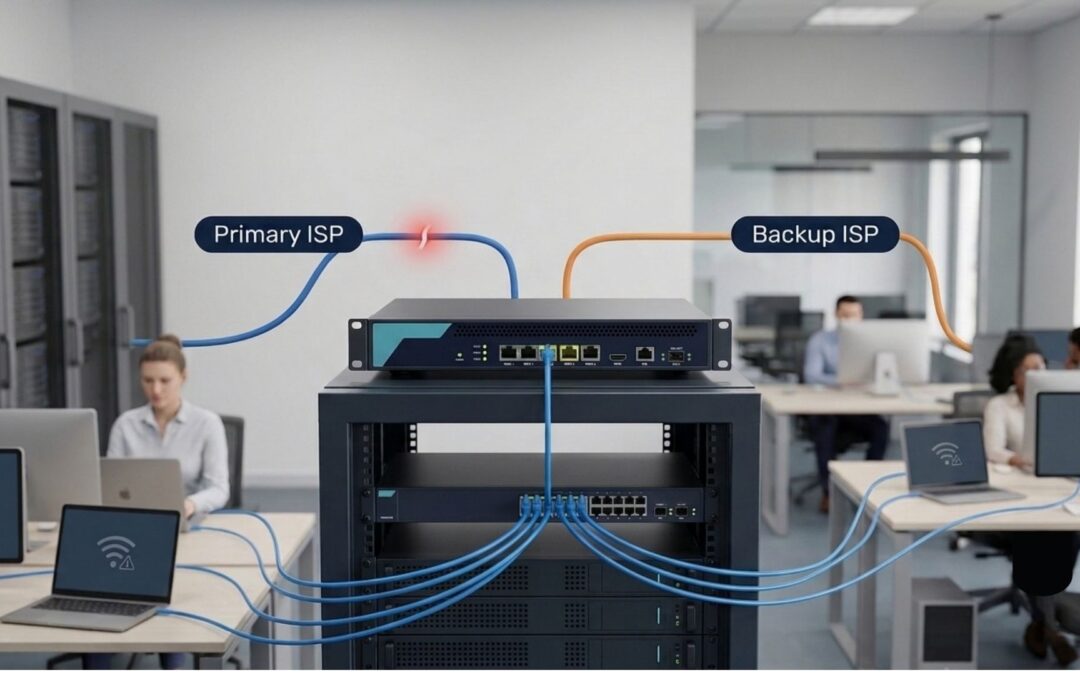
BLOG ARTICLE • 5 OCTOBER 2026 • SUGGESTED READING TIME: 9–11 MINUTES A branch office can have two internet connections and still experience a complete internet outage. The reason is simple: a backup ISP is only useful when the network can detect a failure, switch...